






Why Is My Laptop So Slow? (And How to Fix It)
Few things are more frustrating than a slow laptop. Whether you’re trying to get work done, browse the web, or join a video call, lagging performance can quickly become a daily headache.
The good news? A slow laptop is usually fixable—and in many cases, you don’t need to replace it right away.
Let’s break down the most common reasons your laptop is slowing down and what you can do to speed it back up.
1. Too Many Programs Running
One of the biggest causes of slow performance is simply doing too much at once. If you have multiple tabs open, apps running in the background, and startup programs launching automatically, your laptop’s resources get stretched thin.
How to fix it:
- Close unused tabs and applications
- Disable unnecessary startup programs
- Restart your laptop regularly to clear memory
2. Not Enough RAM
RAM (memory) plays a huge role in how smoothly your laptop runs. If your system doesn’t have enough RAM, even basic tasks like browsing or using spreadsheets can feel sluggish.
How to fix it:
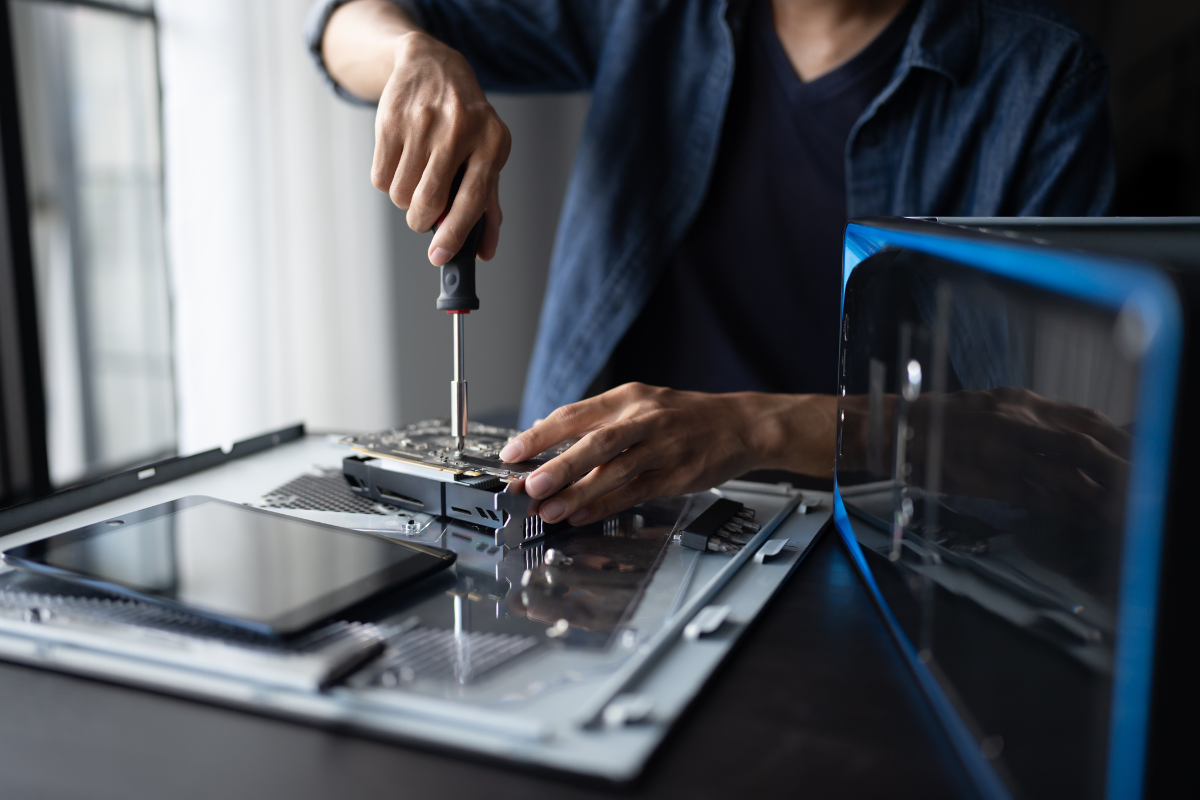
- Upgrade your RAM (if your laptop allows it)
- Aim for at least 8GB for everyday use
- 16GB is ideal for multitasking or business use
Upgrading RAM is one of the easiest and most cost-effective ways to improve performance.
3. You’re Using a Traditional Hard Drive (HDD)
If your laptop still uses an HDD instead of an SSD, that’s likely a major reason it feels slow. HDDs are significantly slower when it comes to boot times and loading applications.
How to fix it:
- Upgrade to a solid-state drive (SSD)
- Enjoy faster startup times and smoother performance
This single upgrade can make an older laptop feel like a brand-new machine.
4. Your Storage Is Almost Full
When your storage is nearly maxed out, your laptop struggles to operate efficiently. This can lead to slower speeds, freezing, and longer load times.
How to fix it:
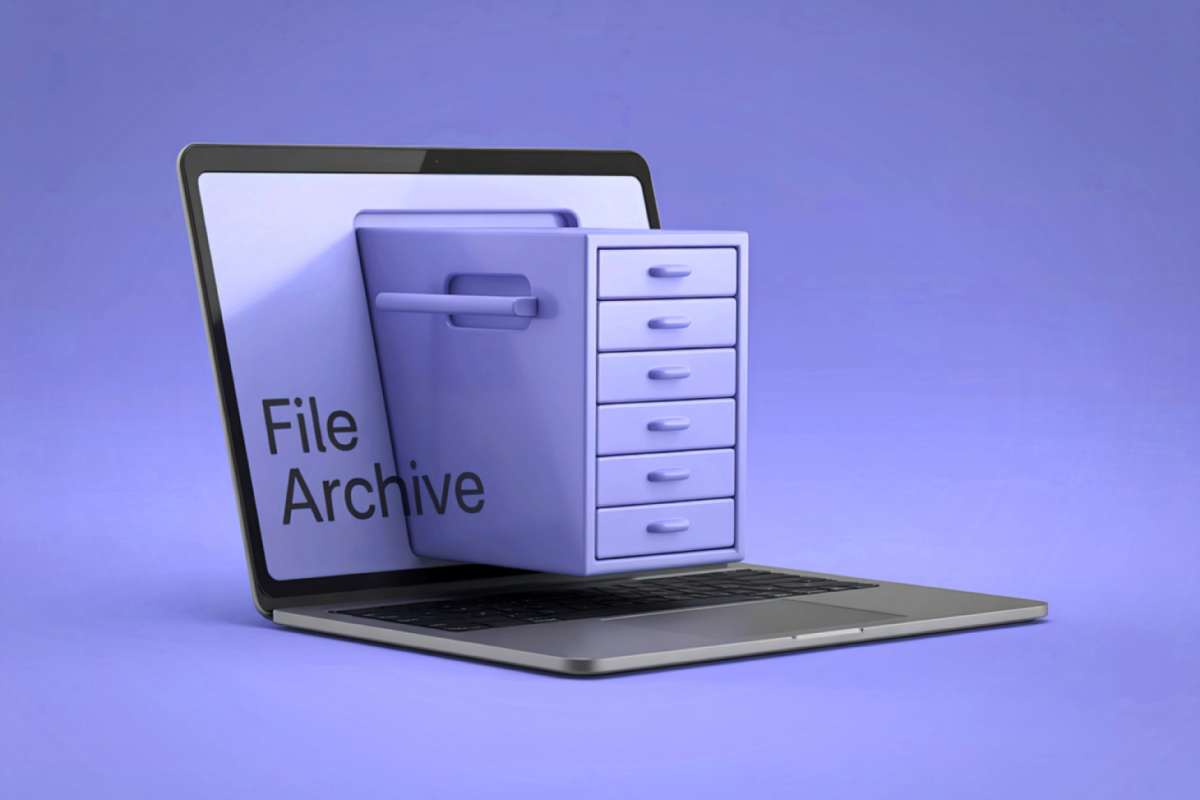
- Delete unnecessary files and programs
- Move files to cloud storage or an external drive
- Keep at least 15–20% of your storage free
5. Outdated Software
Running outdated software or an old operating system can slow things down and even cause compatibility issues.
How to fix it:
- Update your operating system
- Keep your apps and drivers up to date
- Run regular security updates
6. Malware or Viruses
Malicious software can quietly run in the background, consuming resources and slowing your laptop down.
How to fix it:
- Run a trusted antivirus scan
- Remove any suspicious programs
- Avoid downloading files from unknown sources
7. Your Laptop Is Simply Getting Old
Even with upgrades, older laptops can struggle to keep up with modern demands—especially if the processor is outdated.
How to fix it:
- Consider upgrading key components (RAM or SSD)
- If performance is still lacking, it may be time to replace your device
When Should You Upgrade Instead of Fix?
If your laptop still feels slow after trying these fixes, upgrading to a newer system might be the smarter option.
That’s where refurbished laptops come in.
At DiscountPC, you can get reliable, business-grade laptops at a fraction of the cost of new ones. Many refurbished systems already come equipped with SSDs and upgraded RAM—so you get the performance you need without overspending.
A slow laptop doesn’t always mean you need a brand-new device. In many cases, simple upgrades and maintenance can dramatically improve performance.
But if your current device can’t keep up, upgrading to a refurbished laptop is a smart, cost-effective solution.
Looking to speed things up?
Explore DiscountPC’s selection of refurbished laptops and find a system that works as fast as you do.



Leave a comment (all fields required)